Learn the words around you.
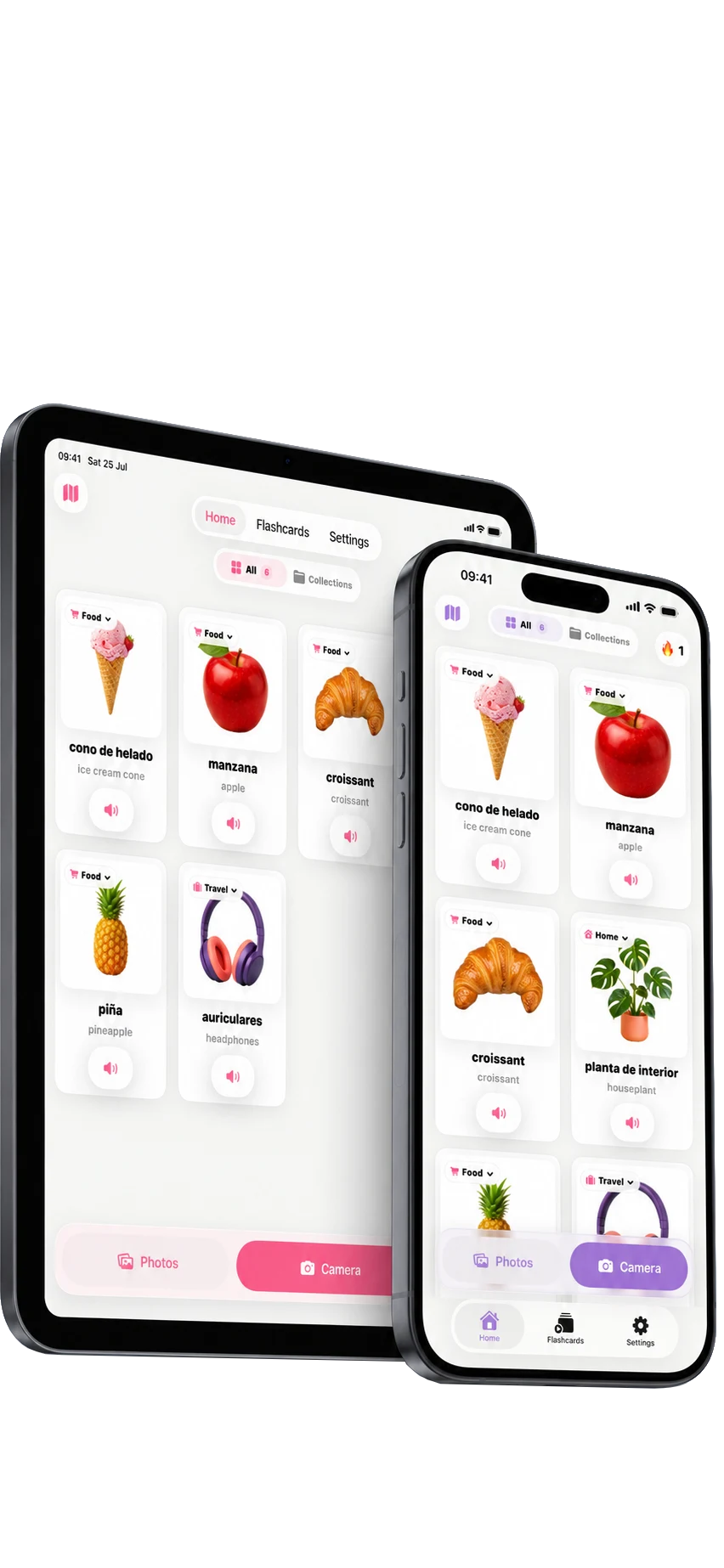
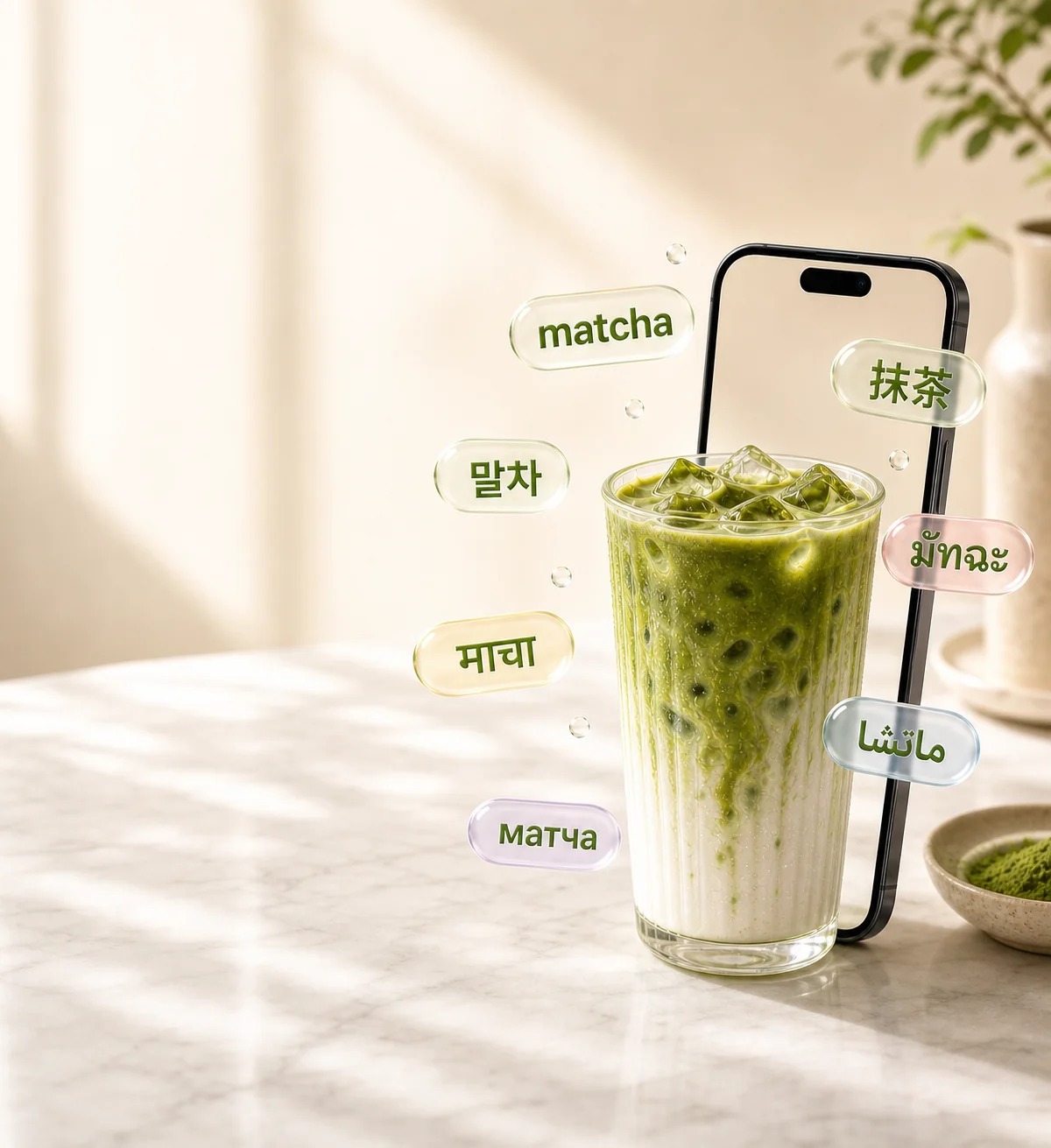
Take a photo. Immersa turns everyday objects into personal vocabulary you can hear, save and remember.
Download on the App Store For iPhone and iPad
From camera to memory.
- 1
Photograph an object
Use the camera or choose an image you already have.
- 2
Save the word
Immersa creates a visual sticker with a translation and pronunciation.
- 3
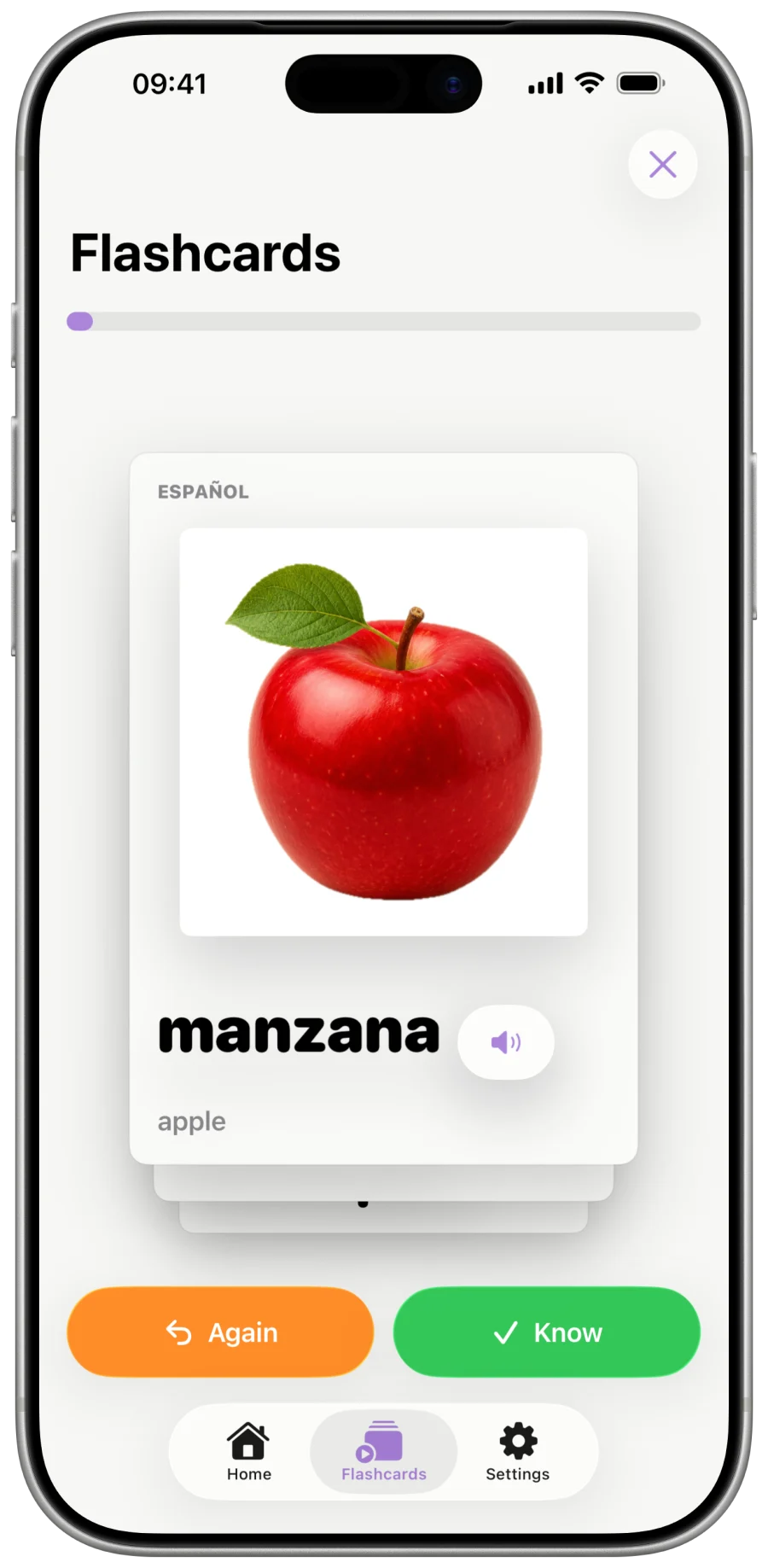
Bring it back
Short reviews help you remember it in different ways.
Review words from your own life.
Practise with your image, the written word and spoken audio. The words you find around you become the words Immersa brings back.
- Personal images
- Natural pronunciation
- Simple, timed reviews
Questions
Need help? Email us.
Which languages can I learn?
Immersa currently supports:
- English (US)
- English (UK)
- Spanish
- French
- German
- Italian
- Portuguese
- Japanese
- Chinese (Simplified)
- Chinese (Traditional)
- Korean
- Russian
- Hindi
- Arabic
- Indonesian
- Dutch
- Bengali
- Urdu
- Ukrainian
- Swedish
- Danish
- Greek
- Hebrew
- Swahili
- Turkish
- Vietnamese
- Polish
- Czech
- Finnish
- Romanian
- Hungarian
- Farsi
- Thai
- Bulgarian
- Croatian
- Slovak
- Slovenian
- Estonian
- Lithuanian
- Latvian
Can I use my existing photos?
Yes. Create a sticker with the camera or choose an image from your photo library.
Does Immersa work offline?
Creating a new AI sticker may require an internet connection. Stickers already saved to your library remain available for learning and review.

Learn what is already around you.
Download Immersa for iPhone and iPad.